 02
02Workflow guide
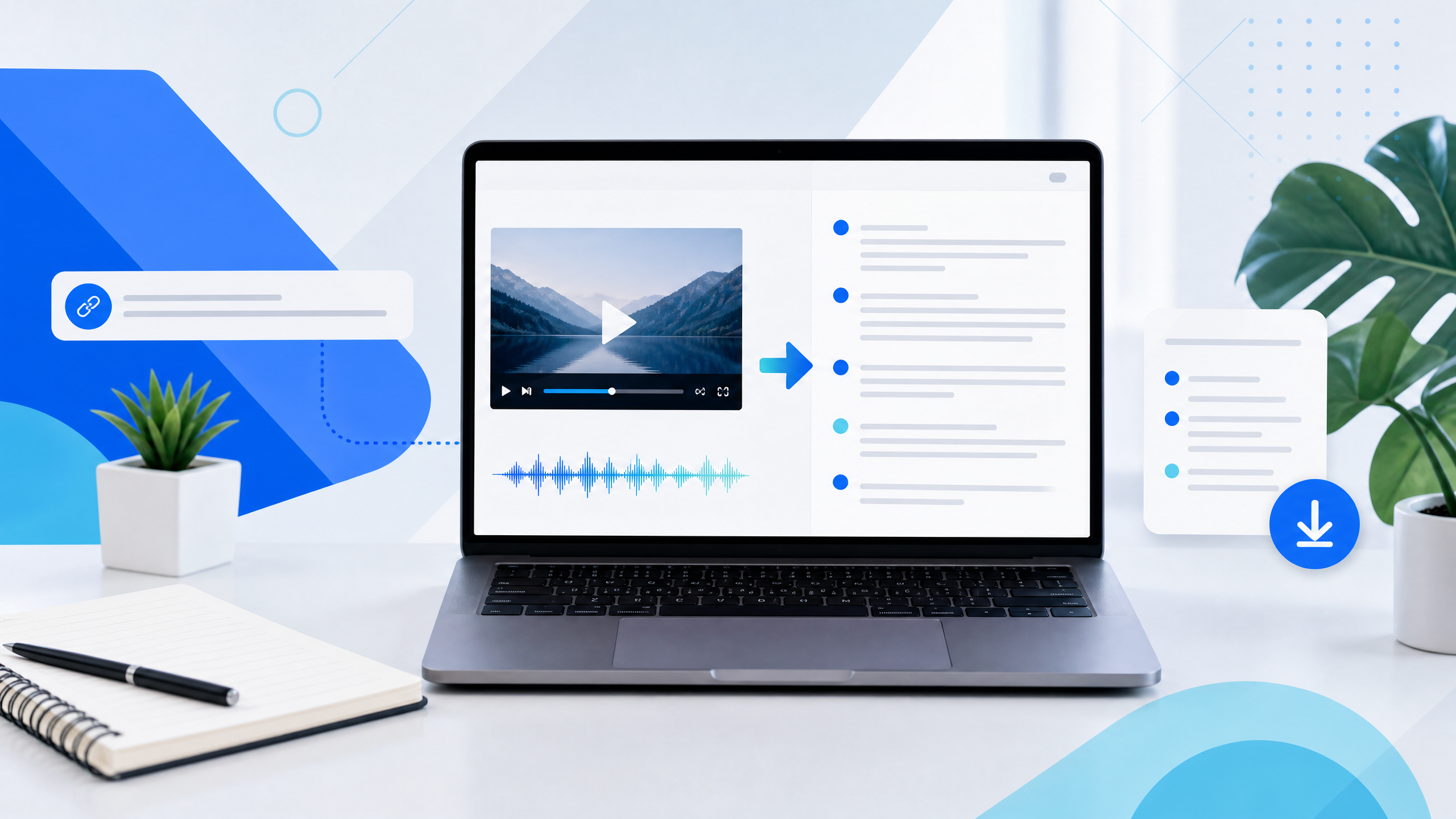
How to Create a Transcript From a YouTube Video in Seconds
A simple workflow for turning available YouTube captions into clean text you can read, search, copy, and reuse in a creator project.
The journal
Tips, tutorials, and practical guides on extracting YouTube transcripts, repurposing video content, and building clearer creator workflows.
Start here
Practical ideas for moving from a YouTube link to useful, reusable words.
 01
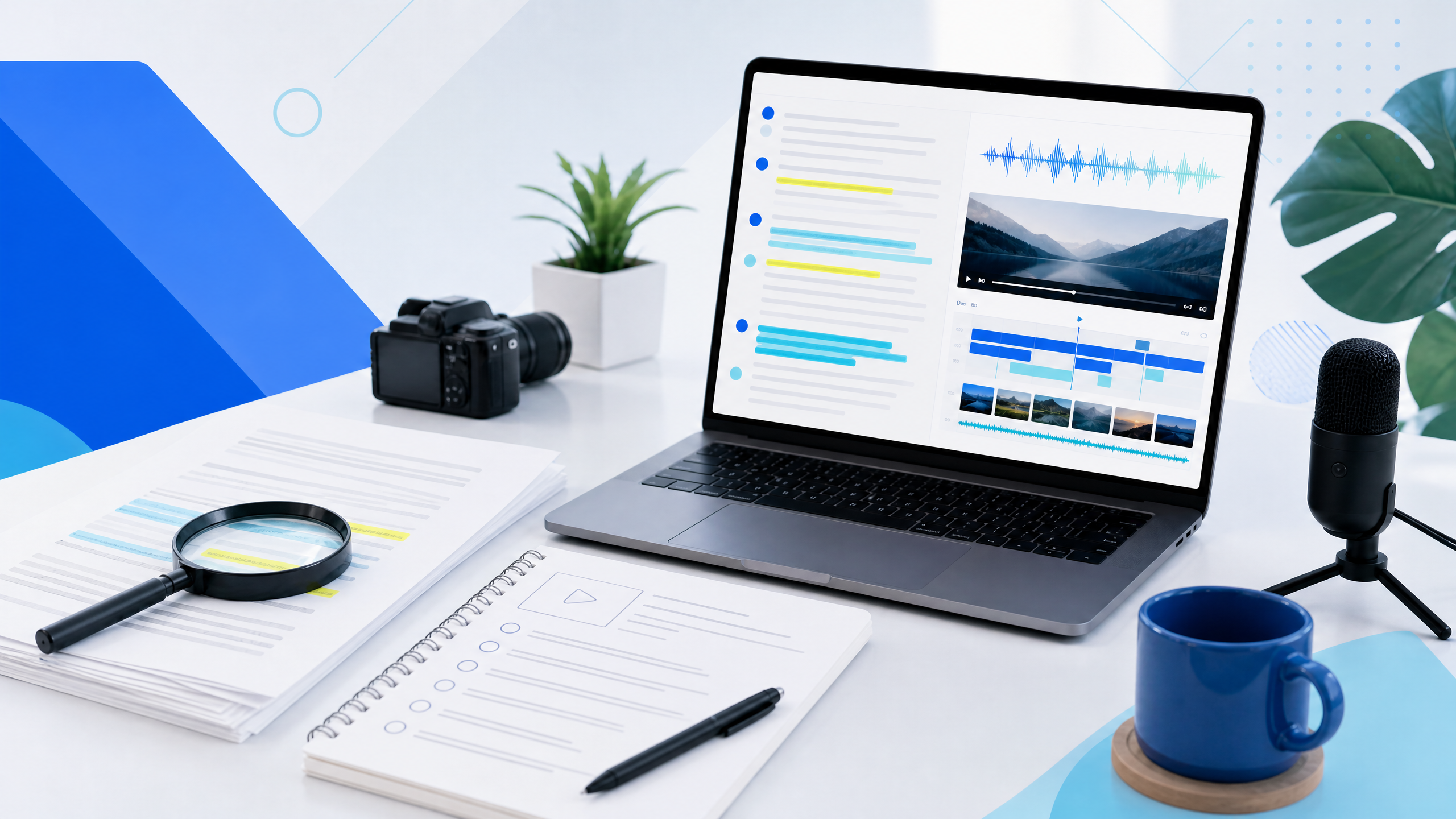
01Turn public captions into a searchable research document, then use the strongest ideas to build a more focused and original YouTube script.
Read the guideFrom the journal
Short, focused guides for research, scripting, subtitles, and content repurposing.
02A simple workflow for turning available YouTube captions into clean text you can read, search, copy, and reuse in a creator project.
 03
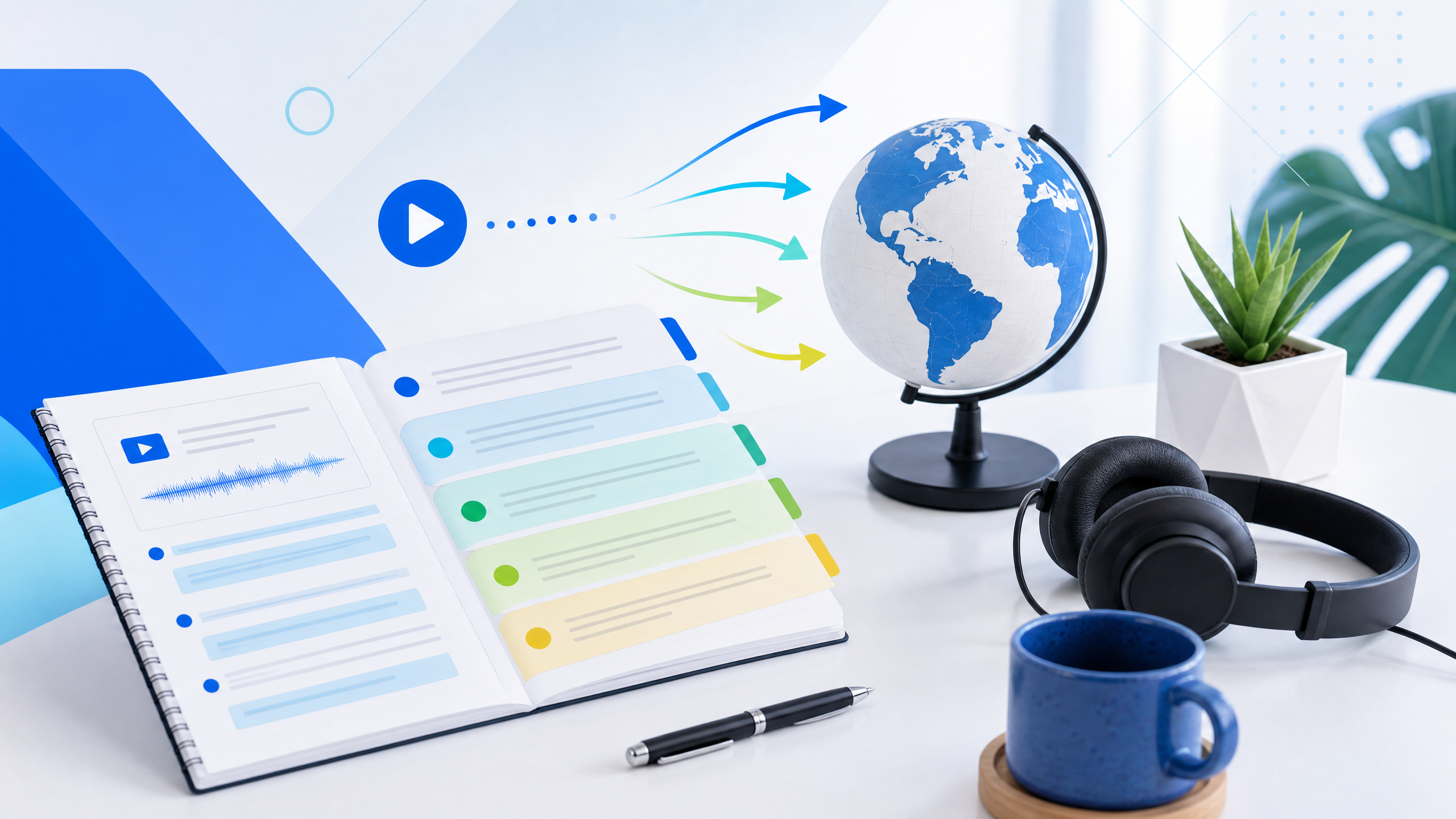
03Use transcripts as a stable source document for translating scripts, adapting jokes, and coordinating multilingual YouTube publishing.
 04
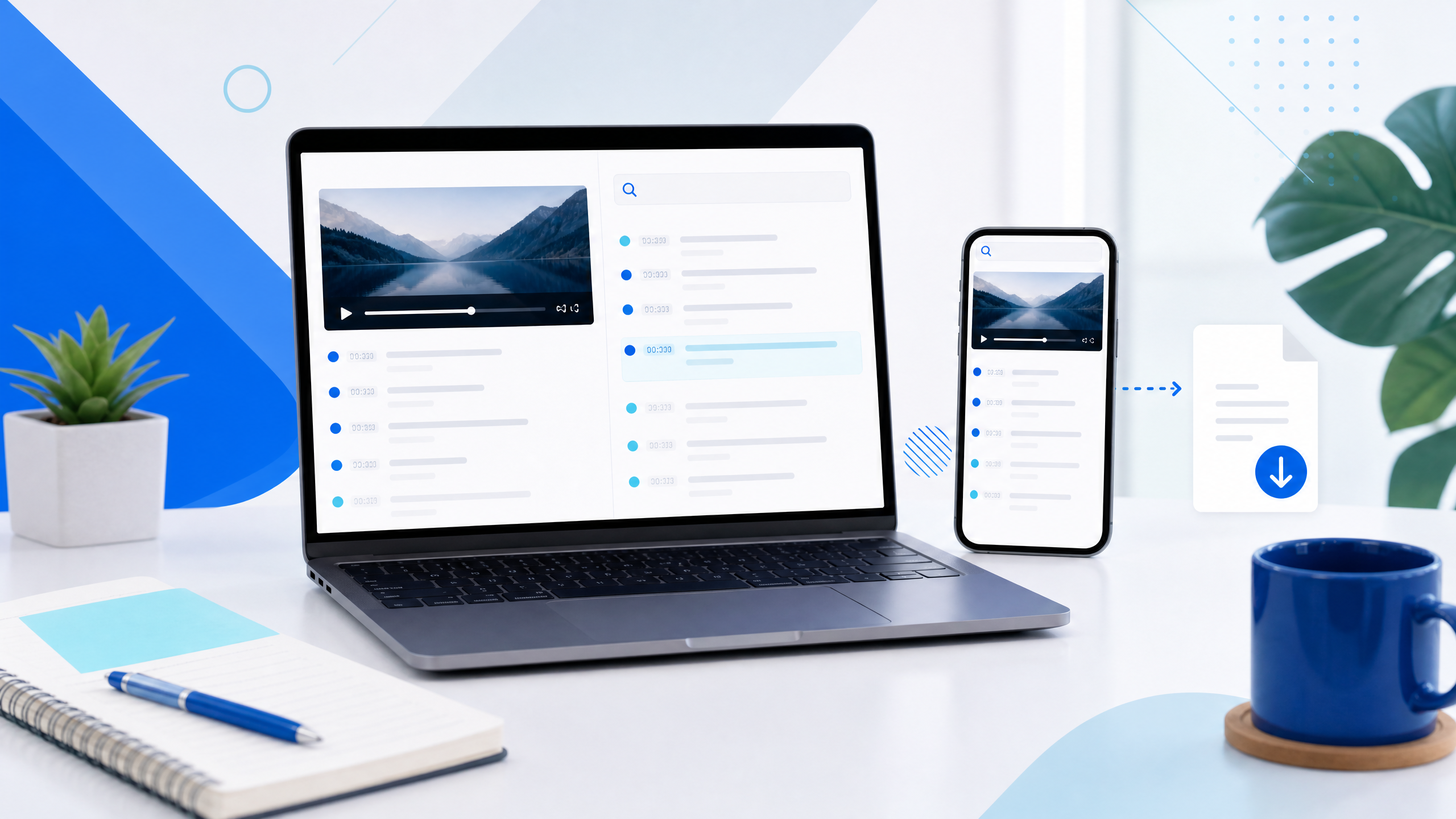
04A clear answer for researchers and creators who need to find, read, and export the available captions from a public YouTube video.
 05
05Turn available captions into a clean text layer for briefs, newsletters, social posts, and faster content repurposing.
 06
06A transcript-first workflow for transforming video explanations into blog outlines, editorial briefs, and original written content.
 07
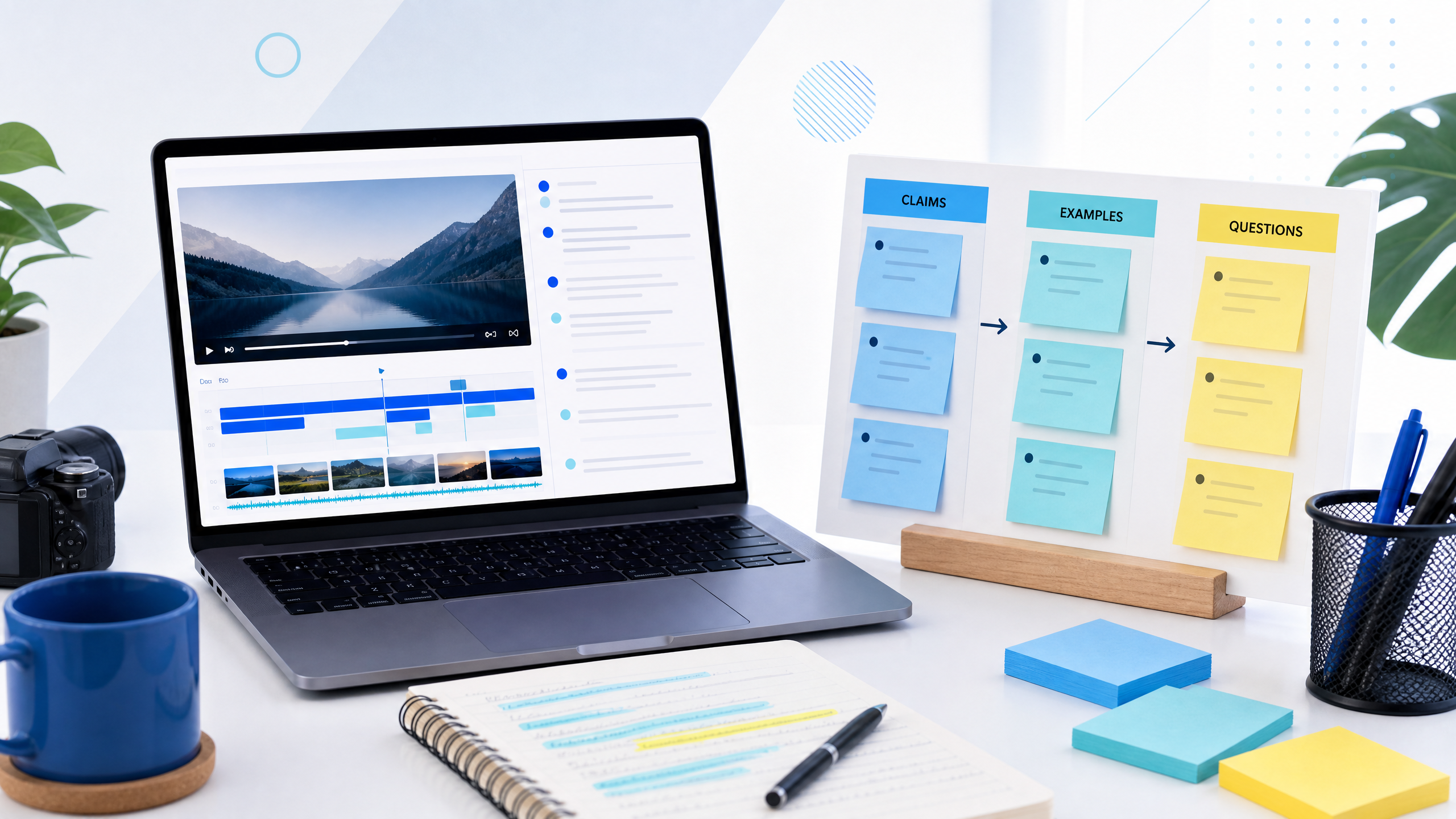
07Convert long videos into focused notes that reveal audience questions, useful examples, and the next best content opportunity.
 08
08Use clean text transcripts to search, compare, outline, and adapt video ideas without repeatedly scrubbing through a timeline.
 09
09A repeatable note-taking method for turning tutorials, interviews, and competitor videos into actionable research for your next upload.
 10
10Create a reliable translation script process that keeps terminology, timing, tone, and review consistent across multiple YouTube audiences.
 11
11Find the available text behind a public video and use a clean transcript view when the native YouTube panel is difficult to scan.
 12
12Study competitor structures without copying them, then build a sharper hook, clearer proof, and stronger payoff for your own audience.
 13
13Compare browser extensions and online transcript tools by privacy, portability, formats, maintenance, and the workflow you actually need.
 14
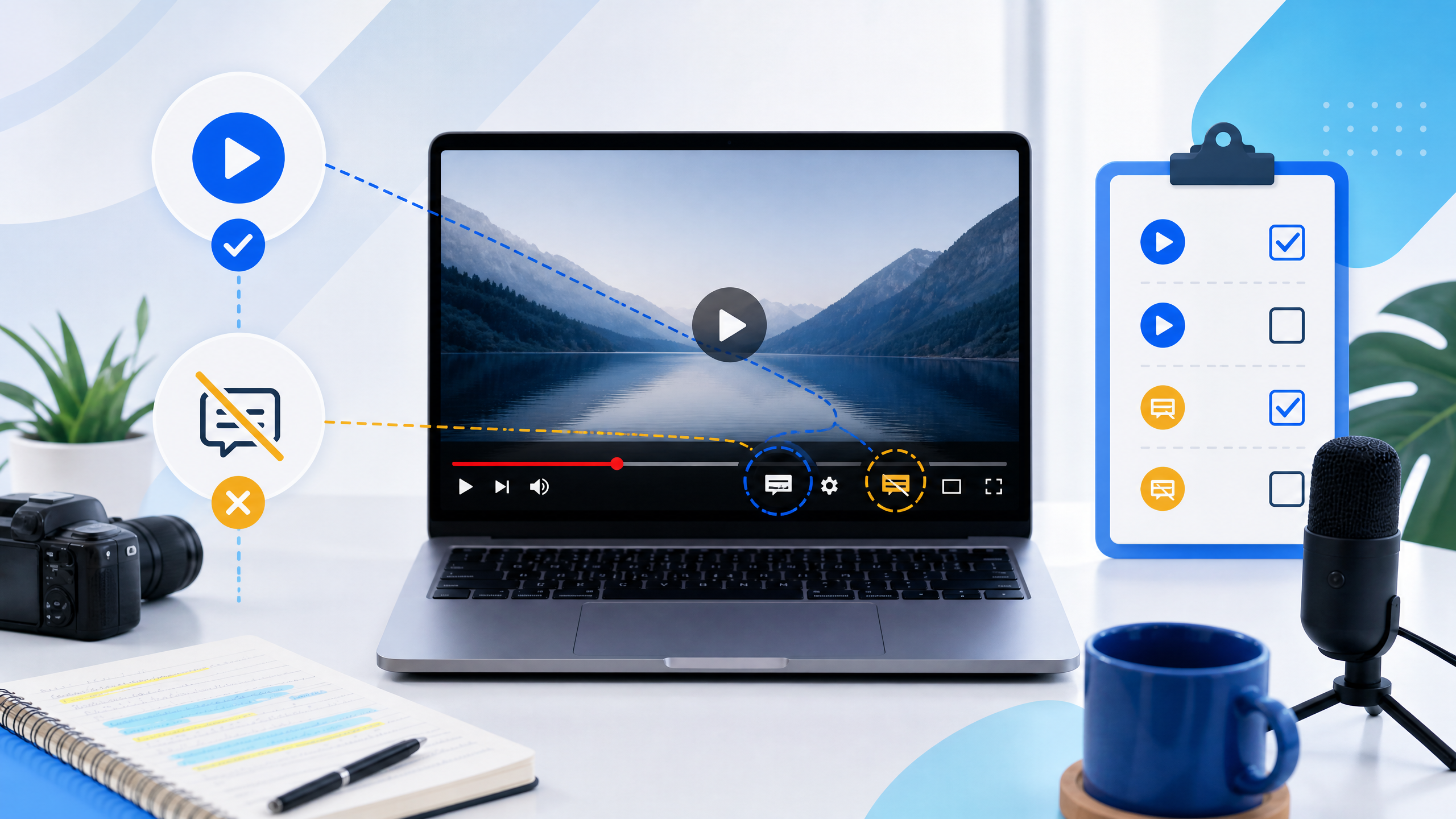
14Understand why captions may be missing, how to distinguish a source limitation from a tool problem, and what creators can do next.
 15
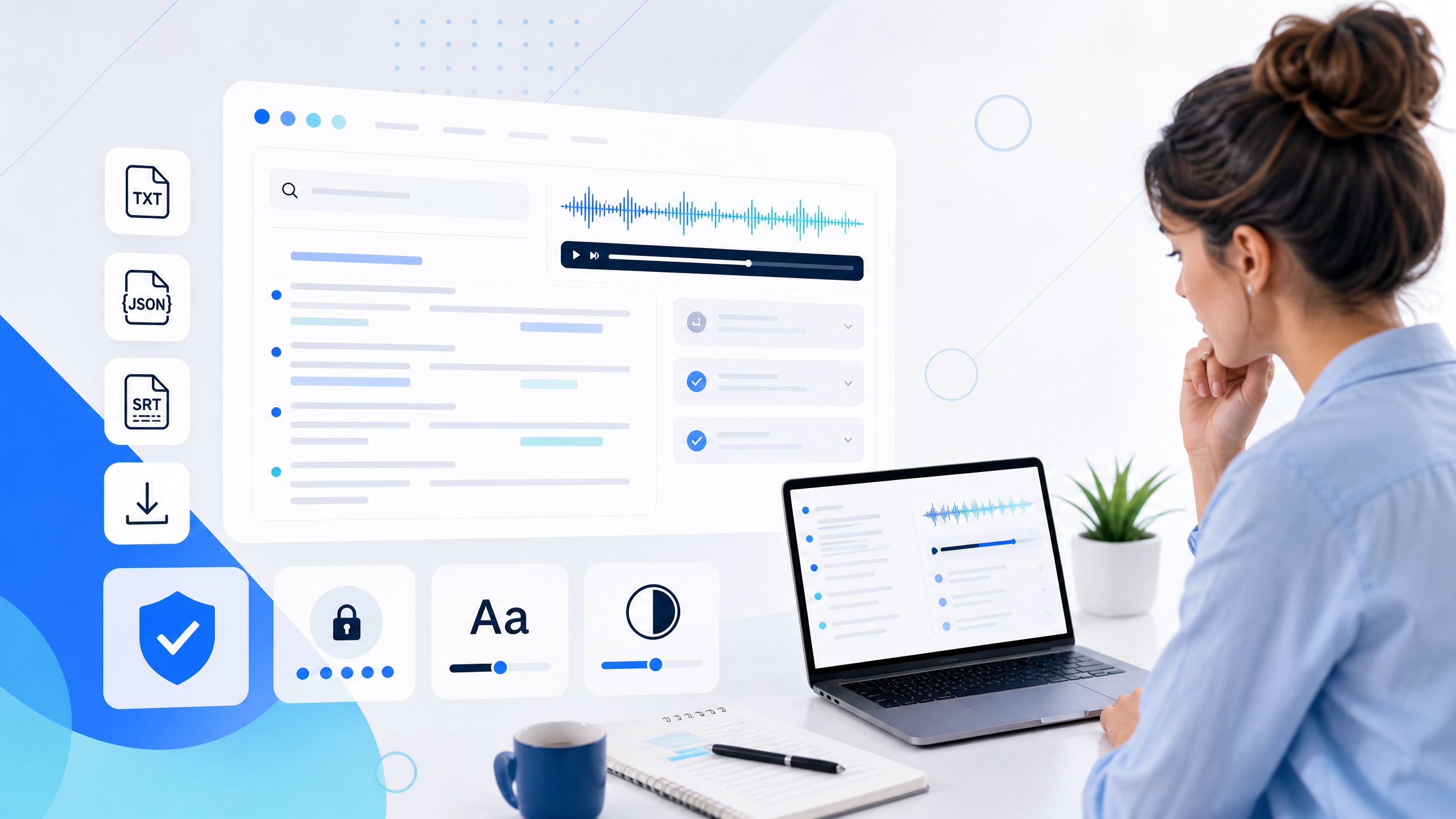
15Use a practical checklist to evaluate transcript tools for accuracy, formats, privacy, search, accessibility, and creator productivity.
 16
16Translate subtitle text more consistently by preparing the source, protecting timing, and reviewing the result in the context of the video.
 17
17Read transcripts like an editor: scan the promise, inspect the structure, and mark the moments that improve clarity or retention.
 18
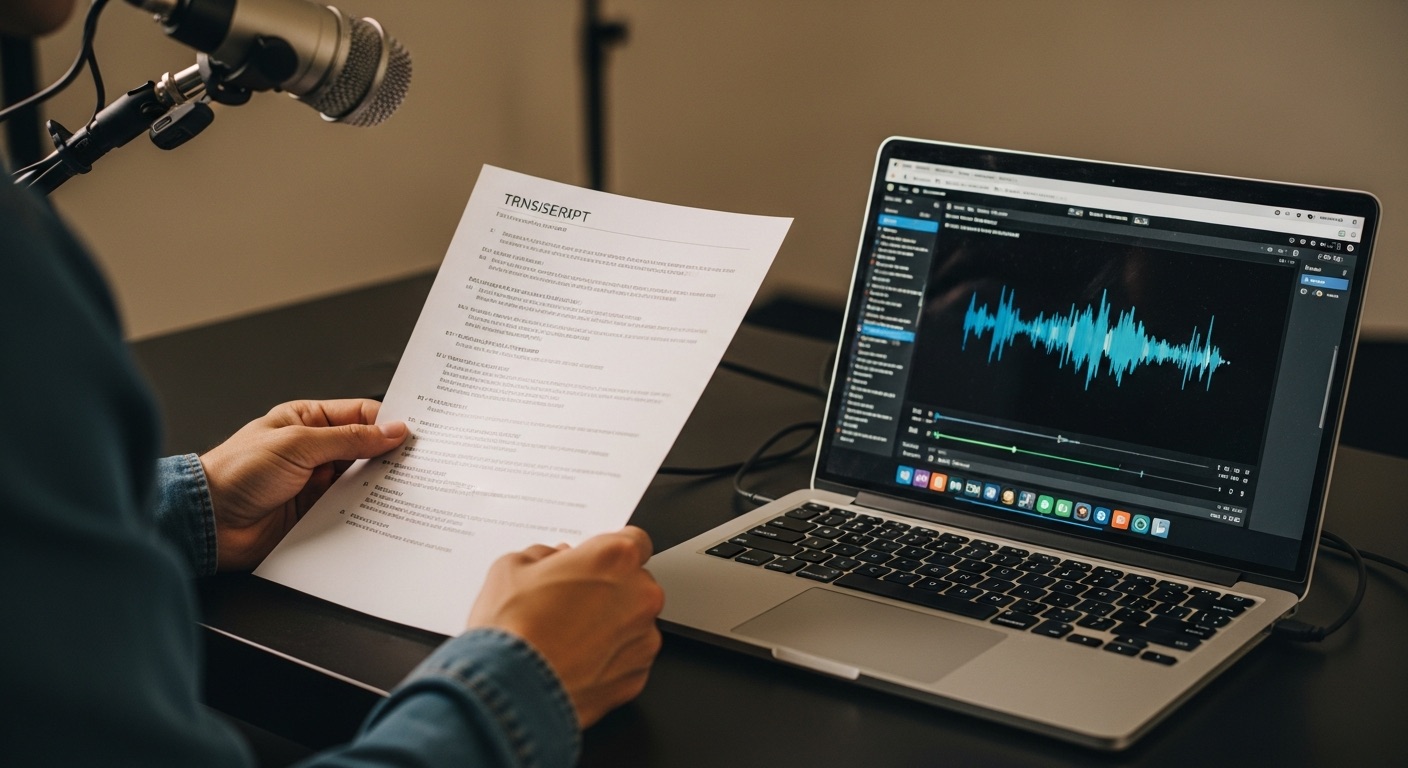
18A device-friendly guide to viewing available captions, searching a long transcript, and choosing the best format for your next task.
 19
19Download a clean transcript for research or a timed subtitle file for editing, then keep the source context attached to your project.
 20
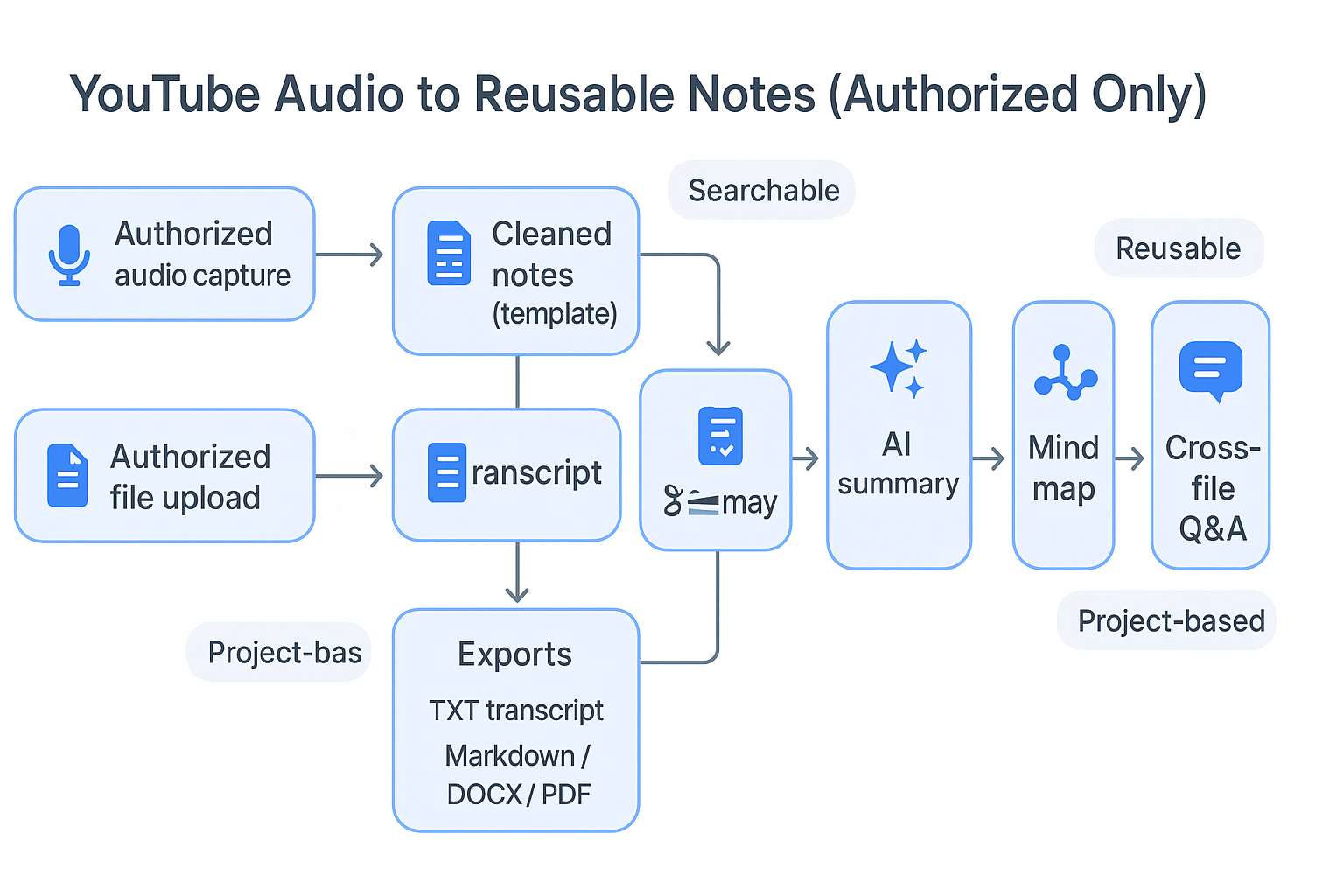
20Move from transcript to edit with a format-aware workflow for selects, subtitle review, rough cuts, and creator collaboration.
21A practical workflow for turning available YouTube Shorts captions into searchable notes, clean text, and timed subtitle files.
22Use available podcast captions as a searchable research document for episode notes, newsletters, clips, and thoughtful content planning.
23Learn how to move available YouTube captions into an SRT starting point for subtitle review, Premiere Pro, DaVinci Resolve, and editing handoffs.
24A developer-friendly guide to working with available caption segments, timing fields, validation checks, and structured transcript exports.
25Use available captions as a searchable first pass for research, learning, accessibility, and deciding which parts of a video deserve your full attention.