Podcast to subtitle workflow
Transcribe a YouTube Podcast to SRT
Turn a public YouTube podcast with available captions into a readable, timed SRT starting point for your editing workflow. TubeTranscriber keeps the words and timing together so you can review the file before importing it into your editor.
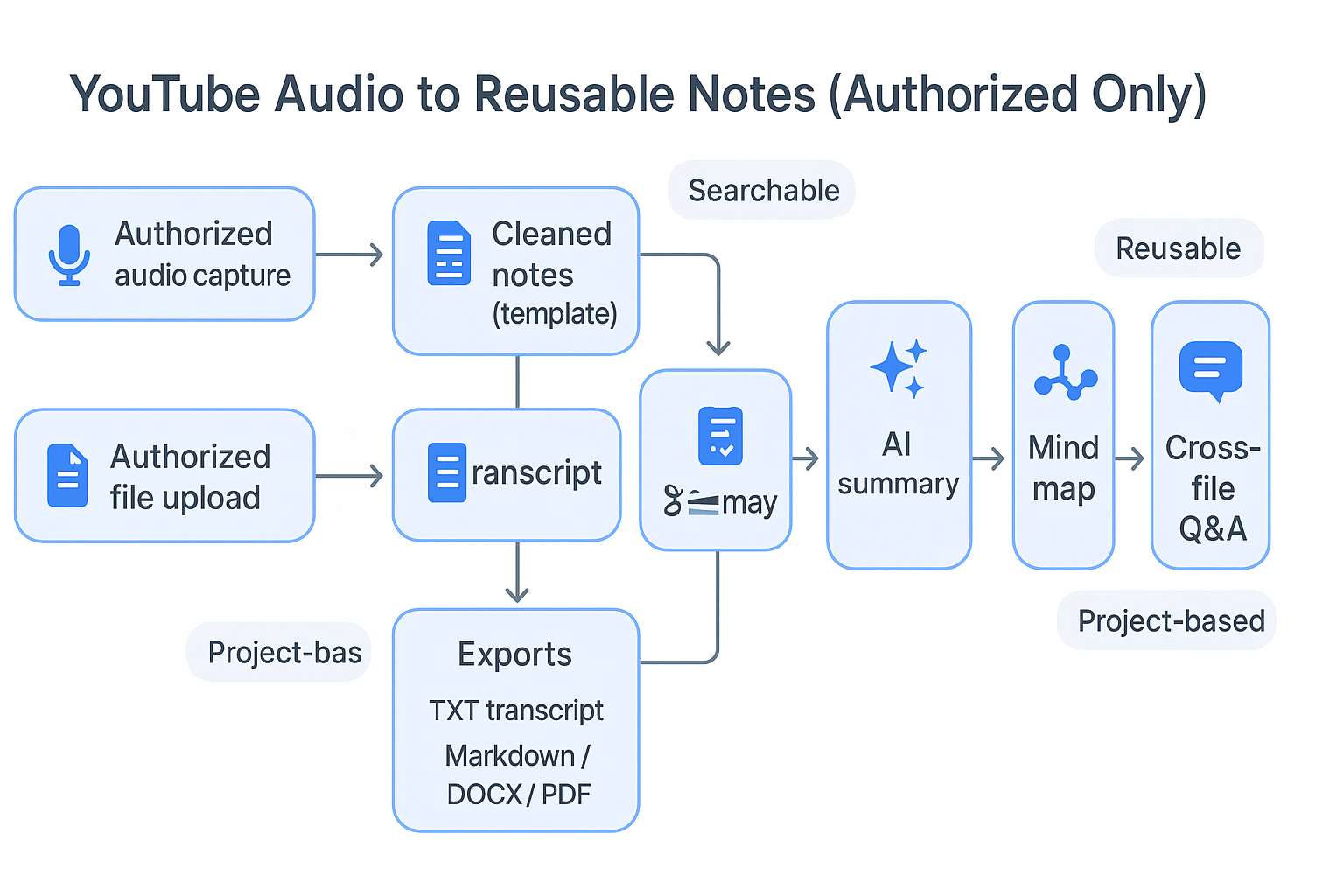
TubeTranscriber is a YouTube caption extraction tool for available public captions, SRT generation, searchable transcript text, video accessibility, and creator research workflows.
This page explains how to work with available YouTube captions without changing the source video or claiming affiliation with YouTube or Google.
Working example
What the exported caption document can look like
This short example shows the shape of timed captions; always review names, timing, and wording against the source video.
[00:00:02,000] Welcome back to the show.
[00:00:06,500] Today we are looking at the three decisions behind a stronger launch.
[00:00:12,000] Keep the original question visible before you edit the answer.
Start with the available caption track
Paste a public YouTube podcast link into the free transcript generator. The workflow can read standard watch links, Shorts, embeds, and video IDs when the source exposes captions.
Caption availability is controlled by YouTube and can vary by video. A clean SRT export is a useful starting point, but it should be checked for names, punctuation, speaker changes, and timing before publication.
Why SRT helps podcast editors
SRT preserves numbered cues and start/end times, which makes it easier to review a long conversation while moving through a video timeline. Editors can use it for a rough subtitle pass, quote selection, or accessibility review.
For a research-first workflow, download TXT as well. Plain text is faster to search and outline, while SRT keeps the timing needed for a later edit.
Review the file before importing it
Open the exported SRT and compare a few early, middle, and late cues with the video. Automatic captions may contain homophones, missing punctuation, or lines that depend on what the speaker is showing.
Keep the original YouTube URL with the project file and add your own editorial judgment. Extracting captions creates a working document; it does not grant permission to republish the entire source.
Continue the workflow
More ways to work with YouTube captions.
Ready when you are
Turn a public YouTube link into a useful working document.
Use the free tool to read, search, copy, and download the available captions in the format your workflow needs.